HMIs & Custom Control Systems
Every Rye Design cell runs on a custom control system built in-house and designed around your project.
Touchscreen HMIs
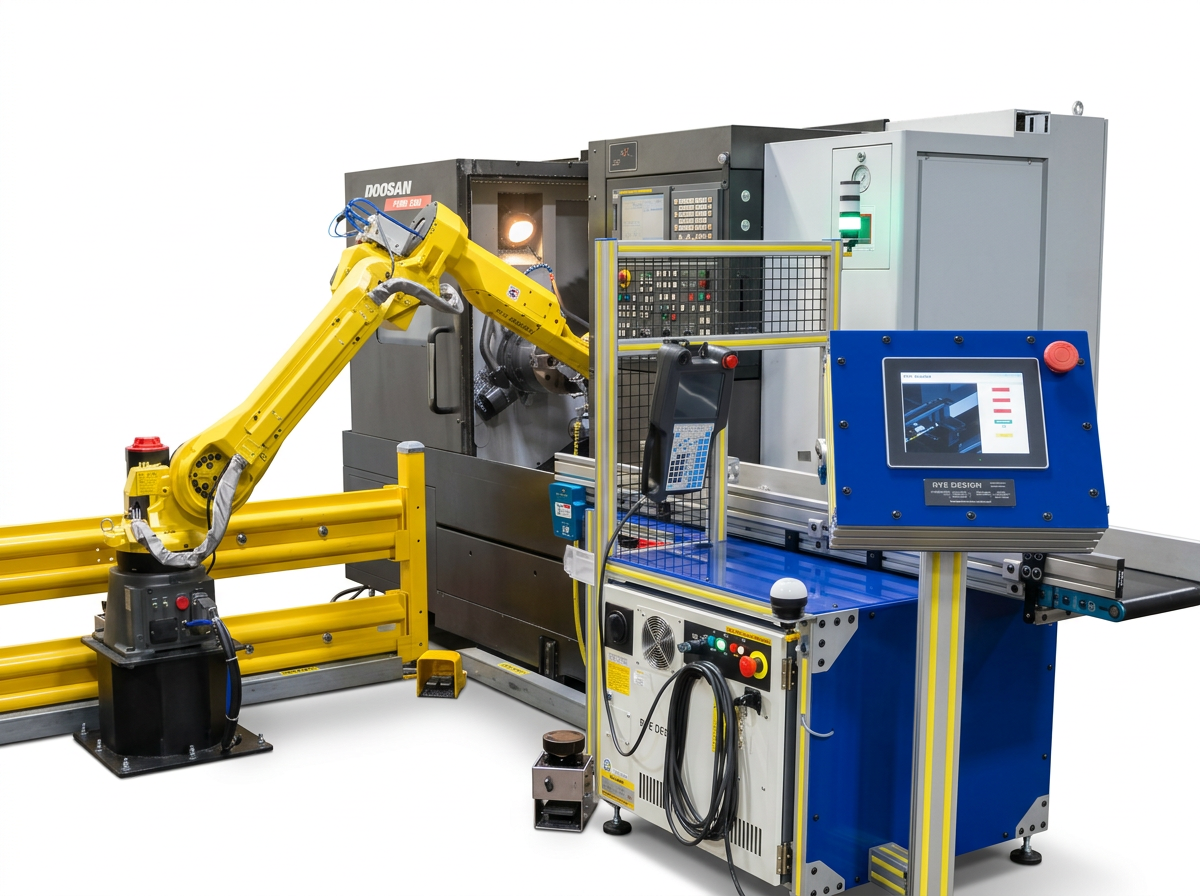
Wherever possible, we use touchscreen HMIs (human-machine interfaces) instead of physical switches and dials. An HMI lets us:
Guide operators with on-screen instructions
Show cell status with visual indicators of what’s happening in real time
Plan for growth, so your cell can be expanded later without rebuilding the control panel
Standard Control Functions
Every panel handles these core functions, plus any project-specific functions your application requires:
Entry of variables and data needed to run programs
Start cycle, stop cycle, and basic cell controls
Warning and error display
Safety warnings, and recovery to restart the cell after a safety breach
Screen Sizes
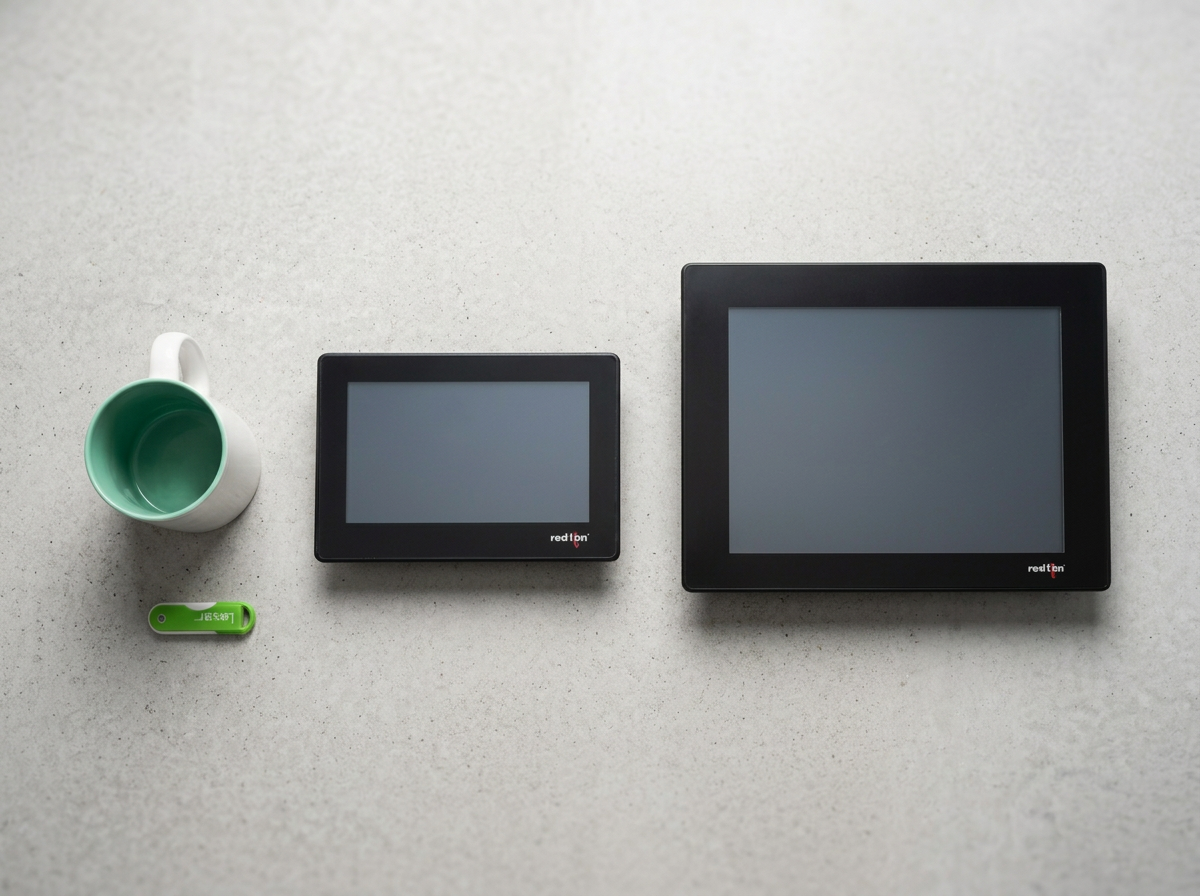
Our standard HMI is a 7" or 10" screen, which suits most applications. If you need more screen space or capability, the upgrade options on this page are available.
Data Logging & Remote Monitoring
We offer data logging packages and web server setups. These let anyone on your secure network monitor cell operation and production remotely.
HMI Upgrade Options
15" HMI Upgrade
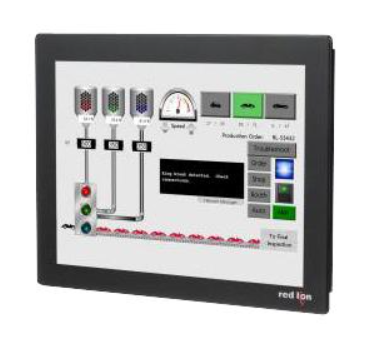
Step up to a Red Lion 15" industrial touchscreen for more room for complex graphics and operator information.
HMI Swivel Arm System
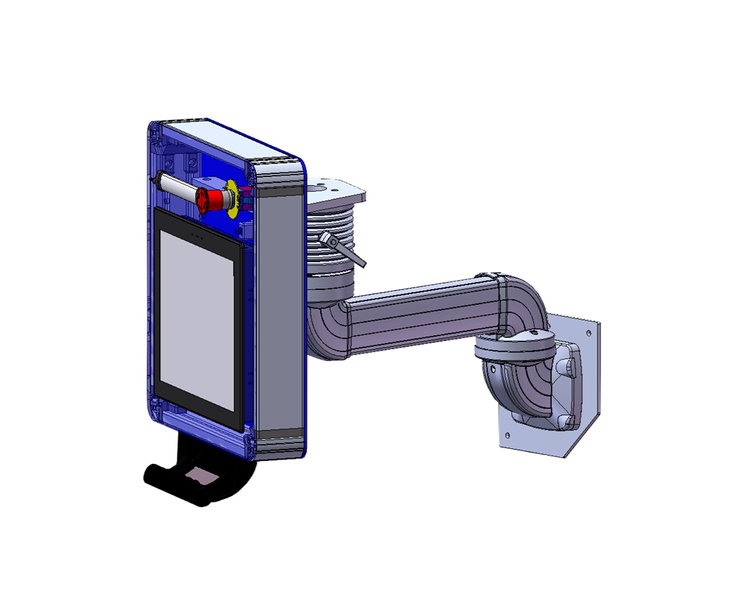
This upgrade replaces the standard fixed, fence-mounted HMI with a heavy-duty articulating arm anchored to the cell framing. The screen can be repositioned, angled, or stowed flat against the fence line. The arm is rated for continuous industrial use and has rotation stops to prevent cable strain. The enclosure can also include an emergency stop and a status indicator light at the operator station.
Cognex VisionView Web Panel
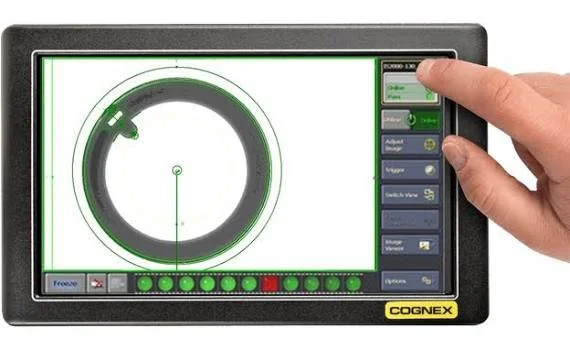
This is a 9" touchscreen for vision-equipped cells. Operators can load jobs, adjust tool parameters and regions of interest, and view inspection results on the floor without a PC.